Extracting a Map .pak
About
Sometimes we may want to extract a level's
Unlike
.pak file.Unlike
.prx files from previous titles, THAW's .pak archives store files with hashed names. As a result, certain files often times get extracted with their raw, checksummed names..pak Hierarchy
A level's
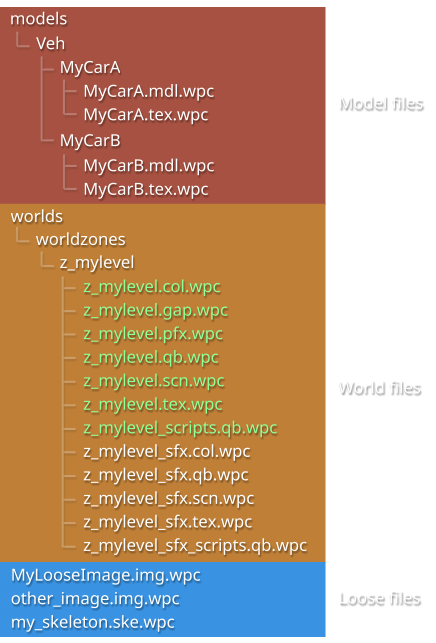
Even if files are not immediately in the correct place when extracting, we know where they should go.
.pak archive will almost always abide by the following hierarchy:Even if files are not immediately in the correct place when extracting, we know where they should go.
A level's core level files (
z_mylevel in this case) will ALWAYS be in worlds/worldzones/z_mylevel/.qb files are almost always packed with filenames. These thankfully give us an idea of the level's filepath.Loose files, like
.ska, .img, and .ske files, can safely reside in the root directory of the archive..pak Extraction
Extracting
With a working GHSDK install, we need to prepare our
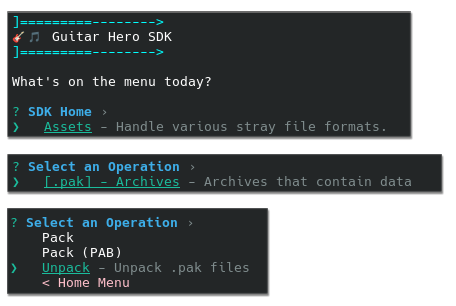
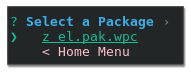

The archive's contents are now located in the
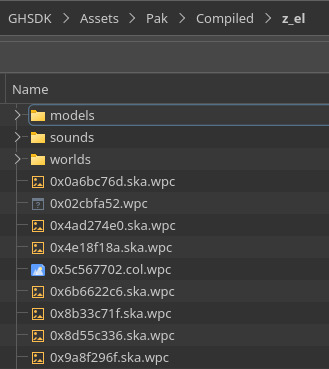
However, due to filename conflicts, slight fix-up of the extracted contents may be required.
.pak archives requires a working Guitar Hero SDK install. If you haven't already, install and run the GHSDK by following one of the provided installation guides:The installation guide on the GHWT:DE Wiki
The outlined steps in the "Installing GHSDK" section of the Installing NXTools page
With a working GHSDK install, we need to prepare our
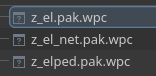
.pak file for extraction.Locate the
.pak archive of the level to be extracted.Place the
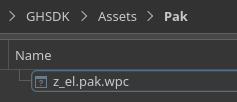
.pak archive into the Assets/Pak folder of your GHSDK installation.In the GHSDK, navigate to
Assets > .pak > UnpackSelect the level's
.pak archive in the list.The archive's contents are now located in the
Assets/Pak/Compiled folder of your GHSDK installation.However, due to filename conflicts, slight fix-up of the extracted contents may be required.
Filename Sanitization
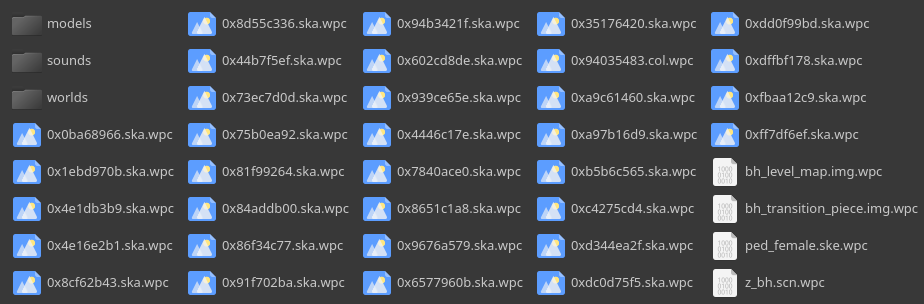
With a quick glance at the main world folder, we can notice several missing files:
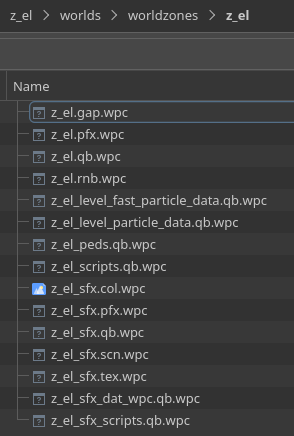
When GHSDK detects a checksum conflict, it simply uses the raw filename. As such, we are missing:
These files can generally be found in the archive root by checking their file extensions:
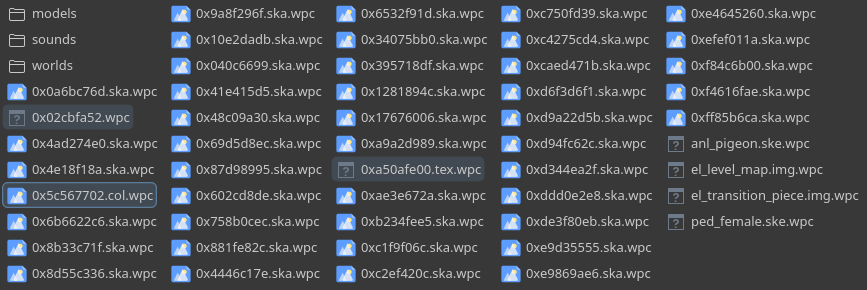
In fact, we can verify that these are the correct files by generating a checksum from their would-be filename.
Below are the pak-relative filepaths of each missing file, and the checksum of each:
By renaming these files and placing them in the proper location, we can cleanly match the hierarchy above.
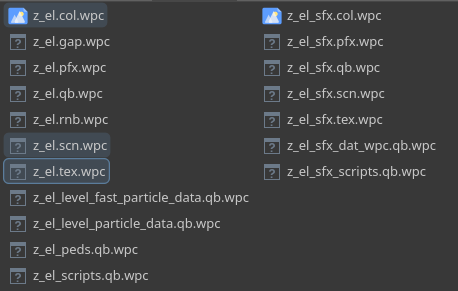
When GHSDK detects a checksum conflict, it simply uses the raw filename. As such, we are missing:
z_el.scn.wpcz_el.tex.wpcz_el.col.wpcThese files can generally be found in the archive root by checking their file extensions:
In fact, we can verify that these are the correct files by generating a checksum from their would-be filename.
Files in a
.pak archive tend to be stored as a CRC32 QBKey Checksum of their filepath.For instance, the checksum for
worlds/worldzones/z_el/z_el.scn would be 0x02CBFA52Below are the pak-relative filepaths of each missing file, and the checksum of each:
worlds/worldzones/z_el/z_el.scn - 0x02CBFA52worlds/worldzones/z_el/z_el.tex - 0xA50AFE00worlds/worldzones/z_el/z_el.col - 0x5C567702By renaming these files and placing them in the proper location, we can cleanly match the hierarchy above.