Restarts

About
The engine needs to know where to place the skater when entering a level, teleporting, or during other events.
Restarts define how and where a player (re-)enters the game after events like death, falling out of bounds, or simply entering the level. Well-designed restart points improve flow, reduce frustration, and maintain immersion.
Each level must have at least one restart present to declare the initial spawn point for the player.
Restarts generally fall into one of several categories:
Restarts define how and where a player (re-)enters the game after events like death, falling out of bounds, or simply entering the level. Well-designed restart points improve flow, reduce frustration, and maintain immersion.
Each level must have at least one restart present to declare the initial spawn point for the player.
Restart Types
Restarts generally fall into one of several categories:
Player 1 - The primary restart point for the player. Every level should have one of these points.Generic - Generic restart points that can be used for a variety of things, including randomized restarts.CTF - Usually tied to a team color, used when respawning at a base in games like Capture the Flag.Team - Used when selecting a team in online team games. Players spawn here to select a flag.Adding Restarts
We can add a fresh restart point very easily using NXTools.
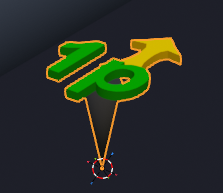
The new Restart object can be moved and rotated into the desired position and orientation. Its origin will always be the sharp point at the bottom of its cone.
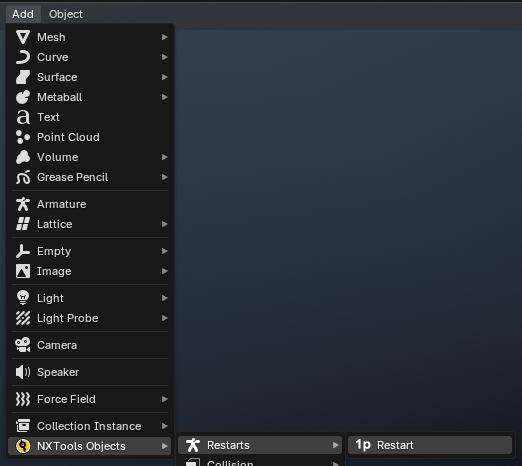
Select Add > NXTools Objects > Restarts > Restart
The new Restart object can be moved and rotated into the desired position and orientation. Its origin will always be the sharp point at the bottom of its cone.
Parameters
The parameters of a restart are exposed via the
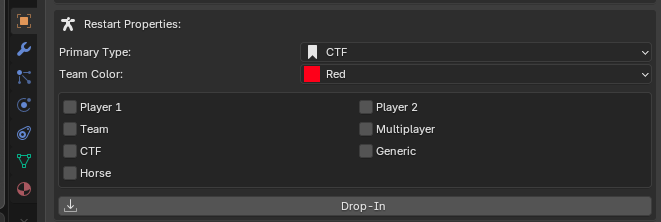
Defines the primary type for the restart. See the Restart Types section above for details.
The checkboxes below should ideally match the value set in the
While most likely not important, values are exposed here regardless.
Exposed only when

If enabled, causes the skater to drop in to the level when using the restart point.
Restart Properties panel of the Object sidebar.Primary Type
Defines the primary type for the restart. See the Restart Types section above for details.
The checkboxes below should ideally match the value set in the
Primary Type dropdown. These control the final restart_types value(s) set in the internal structure of the level's NodeArray.While most likely not important, values are exposed here regardless.
Team Color
Exposed only when
CTF is selected in the Primary Type dropdown. Used in gamemodes like Capture the Flag to declare the team associated with the restart point.Drop-In
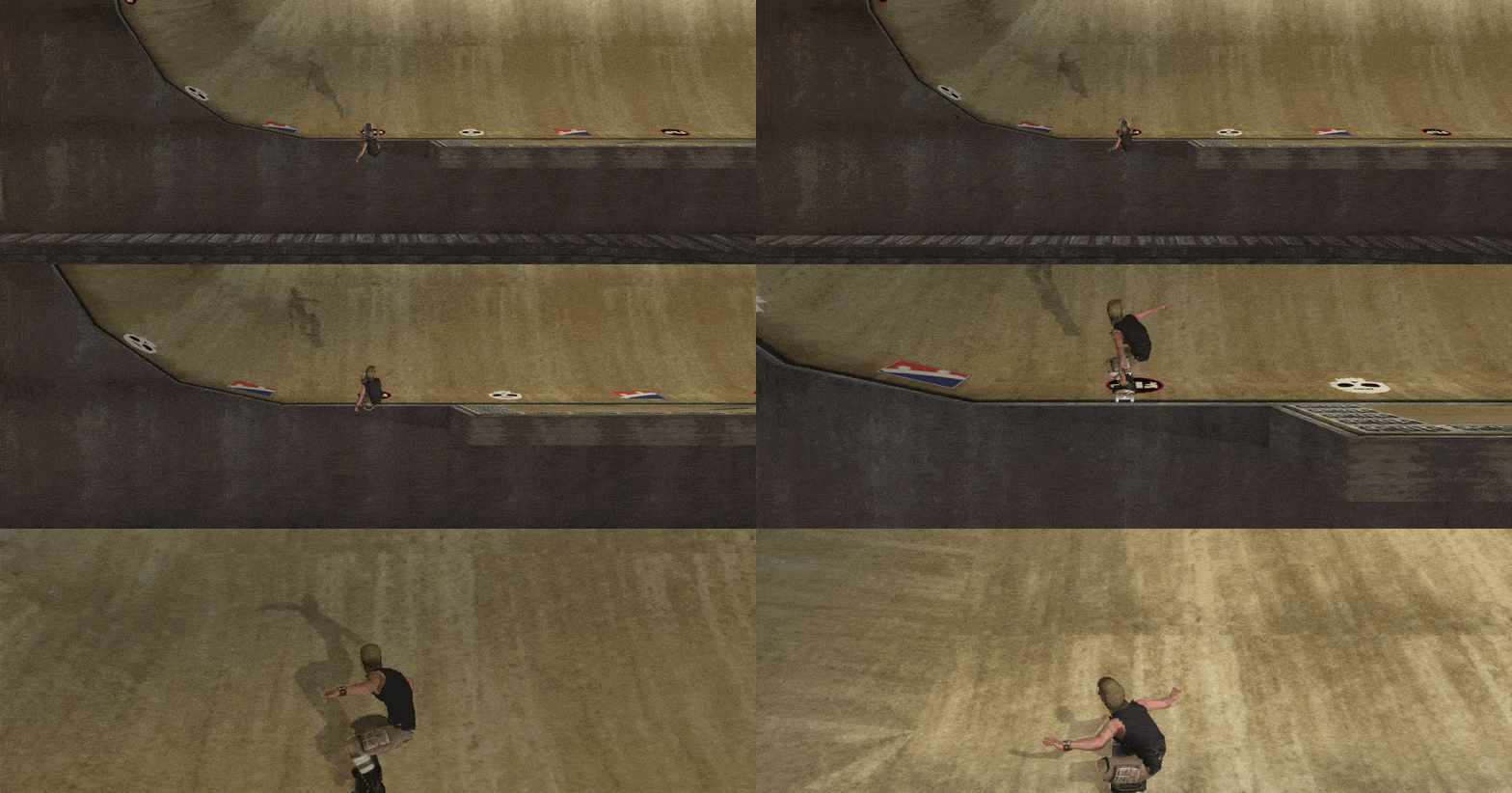
If enabled, causes the skater to drop in to the level when using the restart point.
Internal Names
NXTools assigns preset names for most, if not all, restart nodes. Certain restart types may require specially formatted
Regardless of the object's name in Blender, the node will be given a pre-formatted
Below is a list of formatted values for more technical users, using
The existence of the above nodes can be verified using the
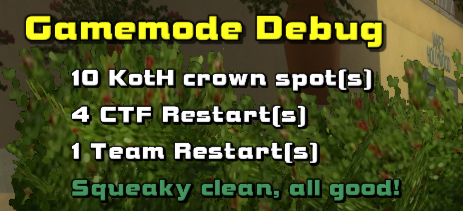
A typical restart node may look something like the following:
id values in order to function properly.Regardless of the object's name in Blender, the node will be given a pre-formatted
id upon export.Below is a list of formatted values for more technical users, using
z_myzone as the scene prefix of the level.Team - z_myzone_TRG_Team_RestartCTF (Red) - z_myzone_TRG_CTF_Restart_RedCTF (Blue) - z_myzone_TRG_CTF_Restart_BlueCTF (Green) - z_myzone_TRG_CTF_Restart_GreenCTF (Yellow) - z_myzone_TRG_CTF_Restart_YellowThe existence of the above nodes can be verified using the
debuggames command in the Modder Console.A typical restart node may look something like the following:
{
Pos = (-3036.00341796875, 124.79997253417969, 2073.6513671875)
angles = (0.0, 1.570796012878418, 0.0)
name = Z_BE_TRG_CTF_Restart_Blue
class = restart
type = CTF
createdatstart
RestartName = 'Team: CTF Blue'
restart_types = [ CTF multiplayer horse ]
}